Split expenses with the people you actually share life with.
Scan the receipt, split it however is fair, settle up. No spreadsheets, no awkward reminders, and no arguing about who paid for the taxi.
Free. No ads, no tracking, no upsell to a premium tier.
What it does
The whole job, in the order you actually do it.
Scan the receipt
Photograph it and the total, the date and the line items come back filled in. Split by item when three of you shared the starter and one didn't.
Split it fairly
Equally, by exact amounts, by shares, by percentage, or equally after someone's +/− adjustment. Whoever paid, however many paid.
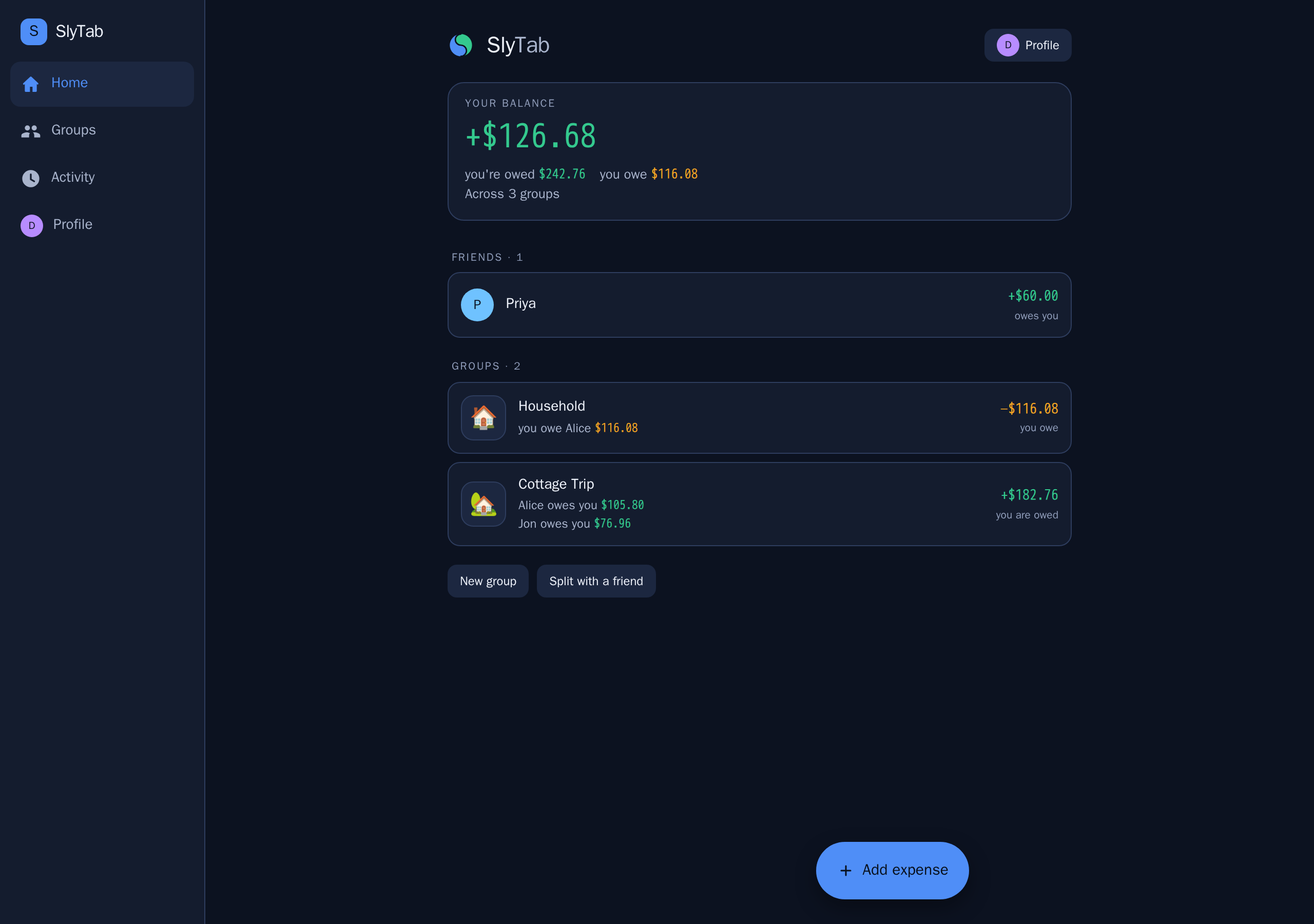
See where you stand
One balance per person across every group, in your own currency, with the original amount always shown next to it.
Settle up
Record a payment, the other person confirms it, and the balance clears. Interac, PayPal.Me and Venmo handles live on each profile.
Travel without maths
Enter an expense in the currency you paid in. It converts at that day's rate and the rate is kept, so the number never changes underneath you.
Bring your history
Import from Splitwise, mapping their members onto people you already know. Duplicates are dropped rather than doubled.
Why this one
Differences that are true and checkable, not slogans. Where the alternative is better, it says so.
| SlyTab | Typically elsewhere | |
|---|---|---|
| Exchange rates | Fixed to the day of the expense and stored on it, so a balance never drifts on its own — nothing re-values your history in the background. Editing an expense re-reads the rate for that same date, and a rate you overrode by hand needs entering again. | Conversion is a bulk action over past expenses. Splitwise warns that it affects settled ones and can move other members' balances, and that new expenses need it re-running. |
| Receipt scanning | Read by a model on our own server. No third-party vision service is configured, so receipts do not leave it. Location data is stripped from JPEG photos on arrival. | Usually a third-party vision API, with the photo leaving the vendor's control. |
| Tracking | None. No analytics SDK, no advertising identifier, no crash reporter. The app talks to our server, and to Apple's or Google's push service if you turn notifications on. | Analytics and crash SDKs are close to universal. |
| Deleting your account | In the app, in two taps. Your share of shared history is anonymised so nobody else's balance moves, and Apple is told to revoke the sign-in. | Often a web form or an email request. |
| Money handling | Integer minor units with per-currency scale everywhere, so zero-decimal currencies like CLP and JPY are never a rounding accident. | Varies; floating-point money bugs are a common complaint. |
| Price | Free. No premium tier holding a feature hostage. | Currency conversion, receipt scanning and charts are common paid upgrades. |
| Where they are ahead | Smaller and younger. No per-currency balance view, no recurring expenses, no web-wide integrations. | Mature, large user base, and most people you invite will already have an account. |
Questions people actually ask
More in the full FAQ and the manual.
Does everyone need the app?
No. It runs in any browser, and you can add someone by email before they have signed up at all — their share is tracked from the moment you add them.
What happens with several currencies in one group?
Each expense keeps the currency it was paid in. The group has a home currency, and anything foreign converts at the reference rate for the date of the expense, which is then stored on it — nothing re-values your history behind your back. You can override the rate if your card charged something different; if you later edit that expense, enter the override again, because saving re-reads the rate for the date.
Where do my receipt photos go?
To our own server, which runs the model that reads them. No third-party vision service is configured, so receipts stay with us. Location metadata is stripped from JPEG photos on arrival, so a receipt cannot reveal where you were. (The app also reads the photo's location on your phone, before upload, purely to guess which currency you paid in.)
Someone paid me back in cash. Now what?
Record it as a settlement. The other person gets asked to confirm it, and once they do the balance between you clears.
Can I get my data out?
Yes — export any group's full history as CSV from the group screen on the web app.
How do I leave a group?
Open the group, tap its name, then Leave this group. You will be asked to settle up first if you still owe or are owed — past expenses stay so nobody else's balance changes.